أفضل مساعدي ترميز الذكاء الاصطناعي في عام 2026: Cursor vs GitHub Copilot
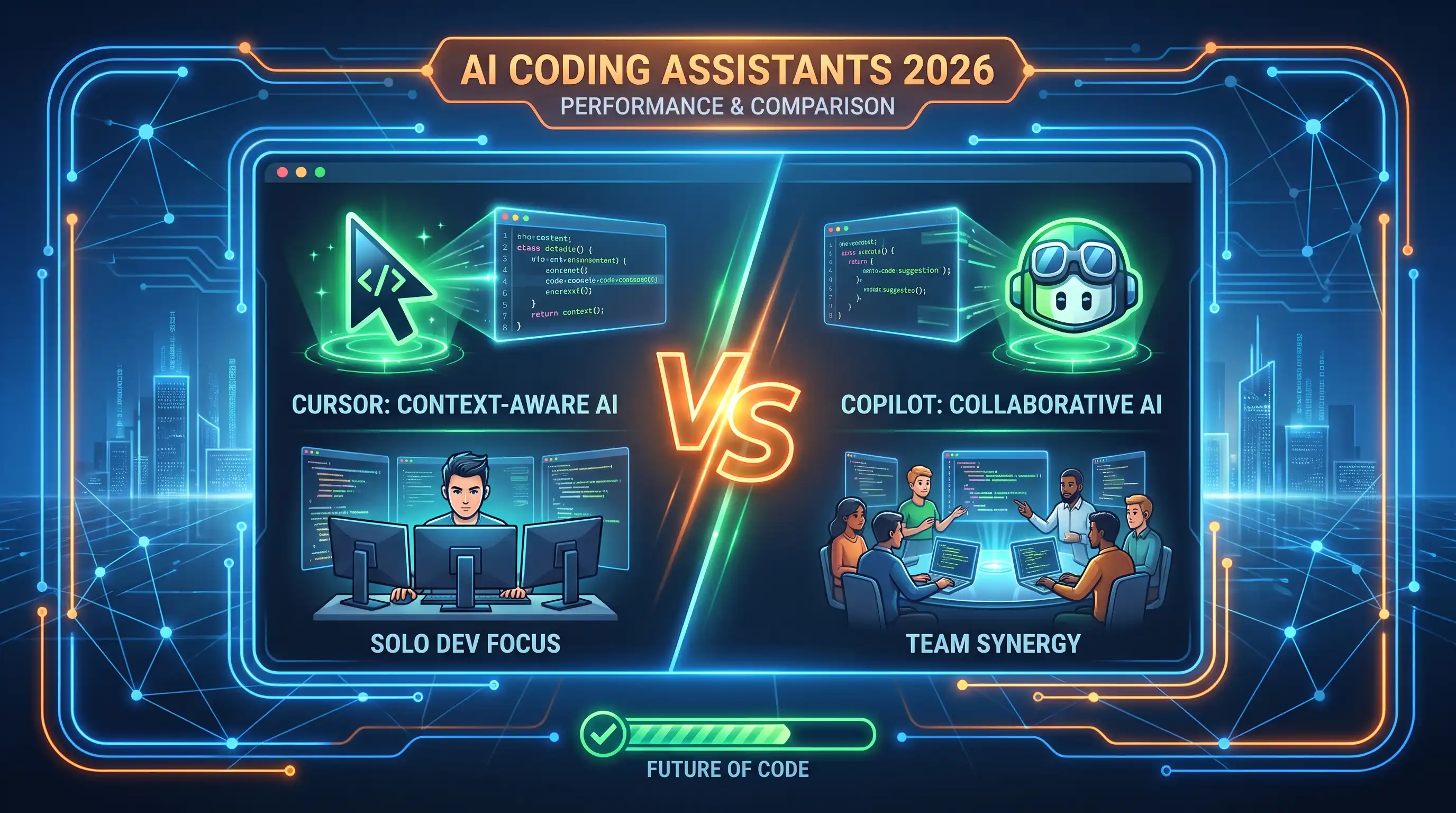
المؤشر أو جيثب مساعد؟ إليك كيفية المقارنة الفعلية بين أفضل مساعدي البرمجة بالذكاء الاصطناعي لعام 2026 - للمطورين الفرديين والفرق وكل شيء بينهما.
Best AI Coding Assistants in 2026: Cursor vs GitHub Copilot
AI coding assistants stopped being a novelty a while ago — they're now a standard part of how most developers write code. The question in 2026 isn't whether to use one, it's which one.
Cursor: Built as an AI-First Editor
Cursor isn't a plugin bolted onto an existing editor — it's a full code editor designed around AI from the ground up. That difference shows up in how deeply it understands your entire codebase, not just the file you have open.
Best for: Developers who want AI woven into every part of their workflow — refactoring across files, generating whole features, and chatting with their codebase directly.
Trade-off: Switching editors is a bigger commitment than installing a plugin, especially if your team has an established setup.
Explore Cursor on AIToolsBoost →
GitHub Copilot: The Plugin That Fits Anywhere
Copilot works as an extension inside the editor you already use — VS Code, JetBrains, Neovim, and more. That makes it the lower-friction choice if you're not ready to change your entire setup.
Best for: Teams and individuals who want strong AI code completion without changing their existing tools, and who are already inside the GitHub ecosystem (pull requests, issues, Actions).
Trade-off: Because it's a plugin rather than a ground-up rebuild, some deeper codebase-wide features feel less native than in an AI-first editor.
Explore GitHub Copilot on AIToolsBoost →
Feature Comparison
| الميزة | Cursor | GitHub Copilot |
|---|---|---|
| الإعداد | محرر جديد (نسخة من VS Code) | إضافة لمحرر موجود |
| السياق على مستوى الكود بالكامل | ممتاز | جيد |
| منحنى التعلم | متوسط | منخفض |
| التكامل مع GitHub | جيد | أصلي (Native) |
| حجم الفريق الأنسب | مطورون منفردون وفرق صغيرة | أي حجم، خصوصًا الفرق التي تستخدم GitHub |
What About Windsurf and Other Alternatives?
Windsurf is the other AI-first editor worth knowing about alongside Cursor -- also a VS Code fork, with a stronger emphasis on multi-file "flow" edits that keep context across an entire change set. It's a reasonable third option to trial if Cursor's approach doesn't quite click, though Cursor currently has the larger user base and plugin ecosystem of the two.
Which One Should You Choose?
If your team already lives inside VS Code or JetBrains and just wants smarter autocomplete without disruption, GitHub Copilot is the safer, faster choice to adopt.
If you're starting a new project, working solo, or want the AI to genuinely understand your whole codebase rather than just the open file, Cursor is worth the switch.
Many developers actually keep both — Copilot for day-to-day completion in their main editor, and Cursor for larger refactors or greenfield projects.
الأسئلة الشائعة
Is Cursor built on top of VS Code?
Yes, Cursor is a fork of VS Code, so most VS Code extensions and keybindings work with minimal adjustment.
هل يعمل GitHub Copilot مع لغات أخرى غير JavaScript/Python؟
نعم، يدعم برنامج Copilot مجموعة واسعة من اللغات وأطر العمل، على الرغم من أن الجودة يمكن أن تختلف حسب مدى شيوع اللغة في التعليمات البرمجية العامة.
Which one is cheaper?
يقدم كلاهما أسعارًا مماثلة للأفراد، مع توفر مستويات مجانية للطلاب ومشرفي المصادر المفتوحة. تحقق من صفحة كل أداة لمعرفة الأسعار الحالية.
Can I use Cursor and Copilot together?
Technically yes, though running two AI completion tools at once in the same editor can cause overlapping suggestions — most developers pick one per project.
⭐ آراء المستخدمين
كن أول من يكتب تقييمًا!