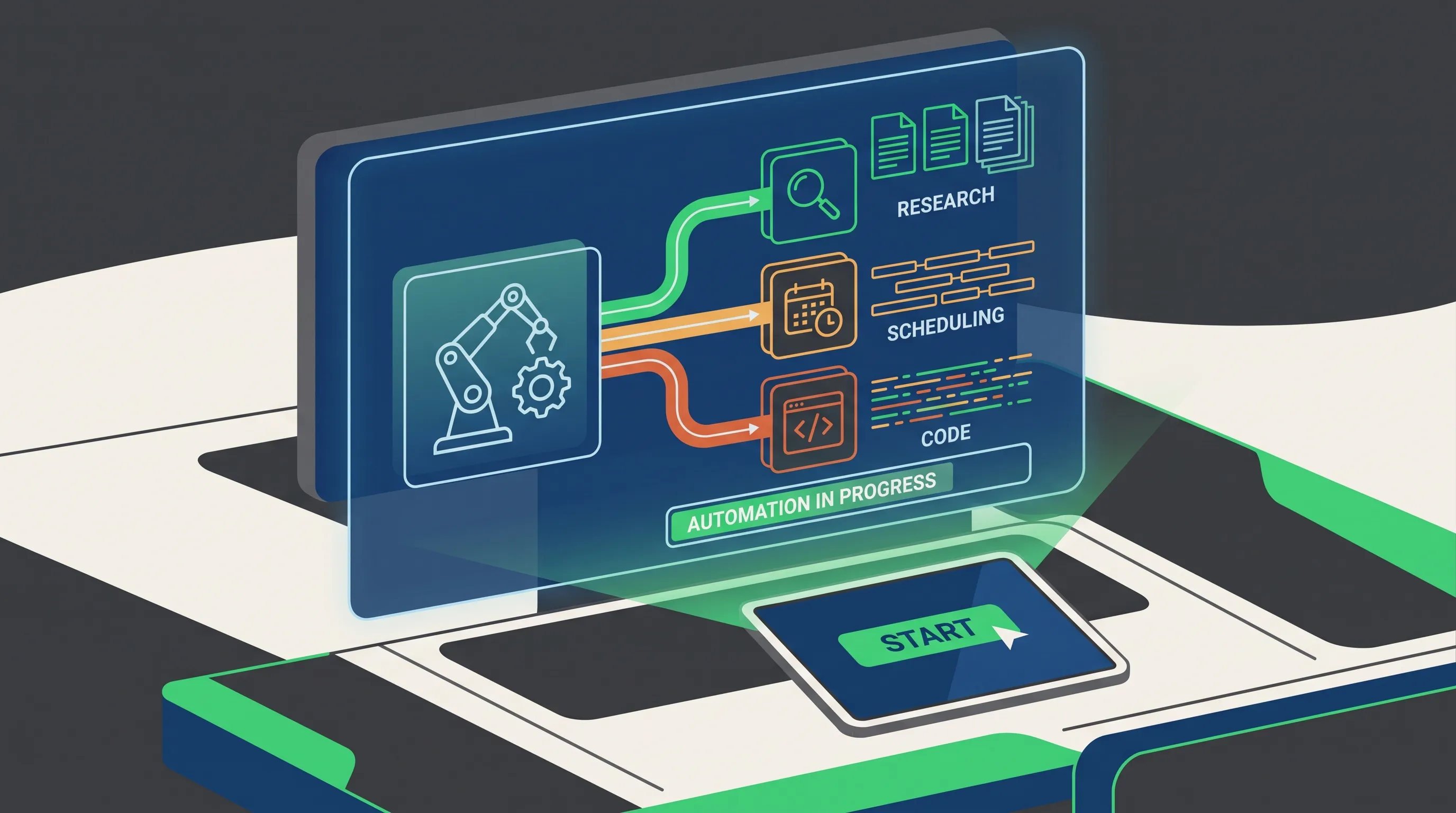
AI agents can now handle multi-step tasks on their own — from research to scheduling to code. Here's what they actually do well in 2026, and how to start using one.
Best AI Agents for Automating Your Work in 2026
AI agents are the biggest shift in how people use AI this year — instead of answering one question at a time, they can plan and complete an entire multi-step task on their own, like researching a topic, drafting a report, and scheduling a follow-up, without you guiding every single step.
What Makes an AI Agent Different From a Chatbot
A regular chatbot waits for your next message. An agent doesn't. Give it a goal, and it breaks that goal into smaller steps, decides what tools or information it needs, and works through them in sequence — checking its own progress along the way.
That's a meaningful difference for repetitive, multi-step work: research summaries, data entry, meeting follow-ups, or basic customer replies no longer need a human clicking through every stage.
What AI Agents Are Actually Good at Right Now
Research and summarization
Point an agent at a topic and it can pull information from multiple sources, compare them, and hand back a structured summary — a task that used to take a person 30-60 minutes now takes a few.
Repetitive workflow tasks
Things like sorting emails, drafting standard replies, or updating a spreadsheet from new data are a natural fit, since the steps rarely change.
Coding tasks with clear goals
Agents built into coding tools can now write a function, test it, fix errors it finds, and repeat that loop with minimal input — useful for well-defined tasks, less reliable for ambiguous ones.
Where They Still Fall Short
Agents work best with clear, well-scoped goals. Hand one a vague, open-ended task and it can wander off course or make confident mistakes without noticing. For anything with real consequences — sending an email to a client, making a purchase, publishing content — a human check before the final step is still the safer approach.
Agent Tools by Use Case
- Coding tasks: Devin operates as an autonomous software engineer, writing, testing, and fixing code across a full task rather than one function at a time
- General research and multi-step work: Manus is built to plan and execute broader tasks that span research, writing, and basic tool use
- No-code project and research agents: Taskade
- Multiple agents collaborating on one task: CrewAI
- Layering agent behavior onto automations you already run: Zapier AI
How to Start Using an AI Agent
- Pick one repetitive task you already do weekly — not your whole job.
- Choose a tool built for that specific task rather than a general-purpose agent -- see the use-case list above for a starting point.
- Review its output closely for the first few runs before trusting it to work unsupervised.
- Expand to a second task only once the first one is reliable.
Starting narrow and specific works far better than trying to automate an entire workflow on day one.
Frequently Asked Questions
Are AI agents safe to use for sensitive tasks?
For anything involving money, client communication, or private data, keep a human review step before the agent's output goes live.
Do I need to know how to code to use an AI agent?
No — most consumer-facing agent tools are built with simple, no-code setups for common tasks like research or scheduling.
What's the difference between an AI agent and automation software like Zapier?
Traditional automation follows fixed, pre-set rules. AI agents can make decisions along the way — choosing what to do next based on what they find, not just following a fixed script.
Can AI agents work together on the same task?
Some newer tools support multiple agents handling different parts of a task and passing work between each other, though this is still an early-stage feature in most tools.
⭐ User Reviews
Be the first to review!