ChatGPT vs Claude vs Gemini: Which AI Assistant Should You Actually Use in 2026?
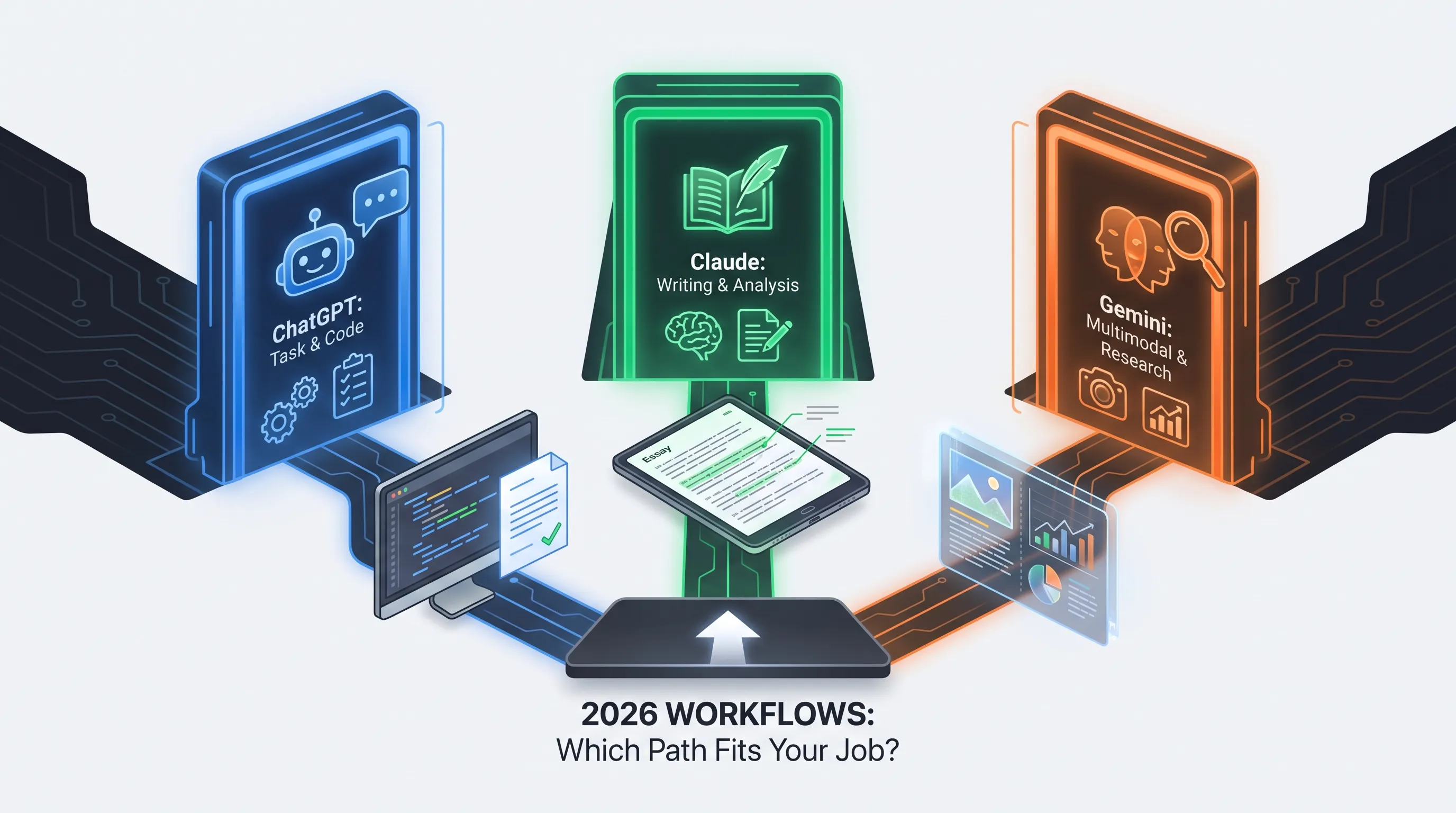
Pick ChatGPT as the all-rounder (Plus, $20), Claude for writing, long documents and coding with Claude Code (Pro, $20 or $17 on annual billing), and Gemini if you live in Gmail and Docs (Google AI Pro, about $19.99, with roughly 1 million tokens of context). The standard plans cost about the same, so choose by the work you do, not by price.
ChatGPT, Claude, and Gemini all claim to be the best AI assistant in 2026 — but they're built for different jobs. Here's a clear, no-fluff breakdown of which one fits your workflow.
ChatGPT vs Claude vs Gemini: Which AI Assistant Should You Actually Use in 2026?
ChatGPT vs Claude vs Gemini comes down to the work you do, not the price: all three charge about $20 a month for their standard plan. ChatGPT is the broadest all-rounder, Claude is the strongest for writing, long documents and coding, and Gemini wins if you already work inside Gmail, Docs and Sheets. This guide compares plans, models, limits and real use cases as of November 2026.
ChatGPT vs Claude vs Gemini at a Glance
| ChatGPT | Claude | Gemini | |
|---|---|---|---|
| Standard paid plan | Plus, $20/month | Pro, $20/month ($17 on annual billing) | Google AI Pro, about $19.99/month |
| Free plan | Yes, GPT-6 Luna and limited tools | Yes, Sonnet and Haiku, with 5-hour and weekly caps | Yes, Flash-Lite, with image creation and Deep Research |
| Top models on the standard plan | GPT-6.1 Sol, GPT-6 Astra, GPT-6 Sol | Opus, Sonnet and Haiku | Gemini 4 Argon, Pro and Flash |
| Context window | 256K for reasoning on Plus, 400K on Pro | Up to 1M tokens, depending on the model | About 1M tokens on AI Pro |
| Strongest at | Everything in one app | Writing, analysis, coding | Google Workspace and live information |
Model names change quickly, and the vendors' own pages are the only reliable source for them. The figures above come from each provider's pricing page in November 2026, with Google's and OpenAI's pages showing local currency or no price at all, so dollar prices for those two come from recent comparison sites.
ChatGPT: The Widest Toolbox
ChatGPT is the assistant most people start with, and it still covers the most ground in one app: writing, coding, image creation, voice and video chat, deep research, memory, custom GPTs, scheduled tasks and Codex for programming. On the Plus plan you get the newest models, including GPT-6.1 Sol and GPT-6 Astra, with a 256K reasoning context window, and Go adds longer conversations for about $8 but may include ads.
Best for: people who want one app that handles almost any task without switching tools.
Where it falls short: with so many features, it can feel less focused than a tool built for one job, and its free plan is limited to GPT-6 Luna with a small context window of about 27K tokens.
The Pro plan is aimed at heavy research and coding. It comes in three usage tiers, raises the reasoning context to 400K, and adds Dot, an always-on agent, longer Codex and ChatGPT Work sessions, and unlimited image creation subject to abuse guardrails. Read the full ChatGPT profile on AIToolsBoost.
Claude: The Writer and Thinker
Claude is the assistant people pick when output quality matters more than feature count. Feed it a long report, a legal document or a messy first draft and it tends to return something that needs less cleanup and sounds less like a machine. Pro gives access to Opus, Sonnet and Haiku, plus Research, Projects, memory, connectors, and Claude Code for programming in the terminal.
Best for: writers, students, researchers and developers who work with large amounts of text or code, with a context window of up to 1M tokens depending on the model.
Where it falls short: the free plan has the tightest limits of the three, with 5-hour and weekly caps, and Claude is a focused thinking tool rather than an all-in-one app. Its pricing page does not list image generation among its features.
If you code, Claude Code is a real differentiator: it comes with Pro and Max, and our Claude Code pricing guide explains the limits. Max at $100 gives five times Pro's usage. Read the full Claude profile on AIToolsBoost.
Gemini: The Google-Native Option
Gemini's biggest advantage is where it lives. It sits inside Gmail, Docs, Vids and Search, so it can work on your actual files and mail without copy and paste. Google AI Pro includes Gemini 4 Argon, Pro and Flash, about 1 million tokens of context, video generation, Google Flow and a large storage bundle, and the plan scales through AI Ultra with higher usage multiples.
Best for: anyone deep in the Google ecosystem, and anyone who needs an assistant that can use current information and very long inputs.
Where it falls short: outside Google's apps the experience can feel less polished than ChatGPT or Claude. By default Gemini can use conversations to improve Google's models unless you turn this off in your activity settings. Read the full Gemini profile on AIToolsBoost.
What Each One Costs in 2026
| Plan level | ChatGPT | Claude | Gemini |
|---|---|---|---|
| Free | $0, limited, may include ads | $0, 5-hour and weekly caps | $0, tied to a Google account |
| Entry paid | Go, about $8/month | None | Google AI Plus, about $4.99/month after a June 2026 price cut |
| Standard paid | Plus, $20/month | Pro, $20/month | Google AI Pro, about $19.99/month |
| Heavy use | Pro, from $100/month, with higher tiers | Max, $100/month, and Ultra at $200/month | Google AI Ultra, from about $99.99/month, with a higher tier above $200 |
Price rarely decides this. Gemini has the cheapest entry plan, and Google AI Pro also bundles Google storage and Workspace features, which makes it better value if you already pay for those. Claude has no entry tier between free and $20. At the top end all three cluster around $100 to $200. Prices vary by region and change often, so confirm on each provider's page before you pay.
How Usage Limits Work
Limits are where the three feel most different. Claude uses 5-hour and weekly caps on every plan, and Max gives five times Pro's usage. Gemini sells usage as multiples of the free plan: AI Plus is 2 times, AI Pro 4 times, and AI Ultra 5 times Pro or 20 times Pro on its higher tier. ChatGPT shows expanded messages on Plus and "unlimited, subject to abuse guardrails" on Pro, with context windows that grow by plan. If you hit limits often, the cheapest fix is usually the next plan up on the same tool, not a second subscription.
Which One for Which Job?
| If your main job is... | Pick | Why |
|---|---|---|
| Everyday questions, images, voice | ChatGPT | Widest feature set in one app |
| Long-form writing and editing | Claude | Drafts that need less cleanup |
| Summarizing long documents | Claude or Gemini | Both handle very large inputs, up to about 1M tokens |
| Work inside Gmail, Docs and Vids | Gemini | Built into the apps you already use |
| Quick current-events research | ChatGPT or Gemini | Strong search and Deep Research modes |
| Serious coding | Claude, then ChatGPT | Claude Code and Codex both come with the plan |
For dedicated coding work, purpose-built tools can go further than a chat assistant. See how they compare in Claude Code vs Cursor vs Codex.
So Which One Should You Pick?
You do not have to pick just one. Many people who use AI seriously end up with two: a free ChatGPT or Gemini account for quick daily tasks and Claude Pro at $20 for writing and deep work. If you had to choose only one:
- Choose ChatGPT if you want the most flexible, feature-packed app.
- Choose Claude if writing quality, long documents and coding matter most.
- Choose Gemini if you already work inside Google's apps every day, or want the cheapest paid entry.
Not ready to pay? Start with our guide to the best free AI assistants. Want a closer look at two of them? Read our Claude vs ChatGPT head-to-head, or see how OpenAI's pricing moved in our GPT-5.6 Sol price-cut breakdown. To compare more tools, browse the full AI tools directory.
Sources
Plans and prices checked in November 2026. Local currency, regional offers and promotions can change what you see, so confirm on the official pages:
Frequently Asked Questions
Which AI assistant is best for coding?
For dedicated coding work, purpose-built tools like Cursor, Claude Code and Codex generally go further than a plain chat assistant. Among the three, Claude tends to produce cleaner, more carefully reasoned code on complex tasks and includes Claude Code in Pro, while ChatGPT includes Codex and is convenient for quick one-off scripts.
Is Claude better than ChatGPT for writing?
For long-form writing that needs to sound natural and keep context across a long document, most users find Claude stronger. ChatGPT is faster for short, casual writing tasks but can need more editing to remove a recognizable AI voice.
Can I use more than one AI assistant at the same time?
Yes, and it is common. Many people keep a free ChatGPT or Gemini account for quick daily tasks and pay for Claude for writing or deep work that benefits from its long context.
Which of the three has the best free plan?
ChatGPT's free plan gives the broadest feature access but a small context window, Gemini's free tier is tied to a Google account and includes image creation and Deep Research, and Claude's free tier has the tightest limits, with 5-hour and weekly caps.
Does Gemini use my Google data to train its models?
By default, Gemini can use conversations to improve Google's models unless you turn this off in your Gemini Apps Activity settings. ChatGPT and Claude each let you separately disable training on your conversations in their own privacy settings.
How much do ChatGPT, Claude and Gemini cost per month?
The standard paid plan is about $20 for all three: ChatGPT Plus at $20, Claude Pro at $20 ($17 on annual billing) and Google AI Pro at about $19.99. Entry plans run from about $5 to $8, and heavy-use plans start around $100 and go to $200 or more. Prices vary by region, so check each provider.
Which assistant has the largest context window?
Claude supports up to 1 million tokens depending on the model, and Gemini advertises about 1 million tokens on Google AI Pro. ChatGPT lists 256K for reasoning on Plus and 400K on Pro, so for very long documents Claude or Gemini is the safer pick.
User Reviews
Be the first to review!