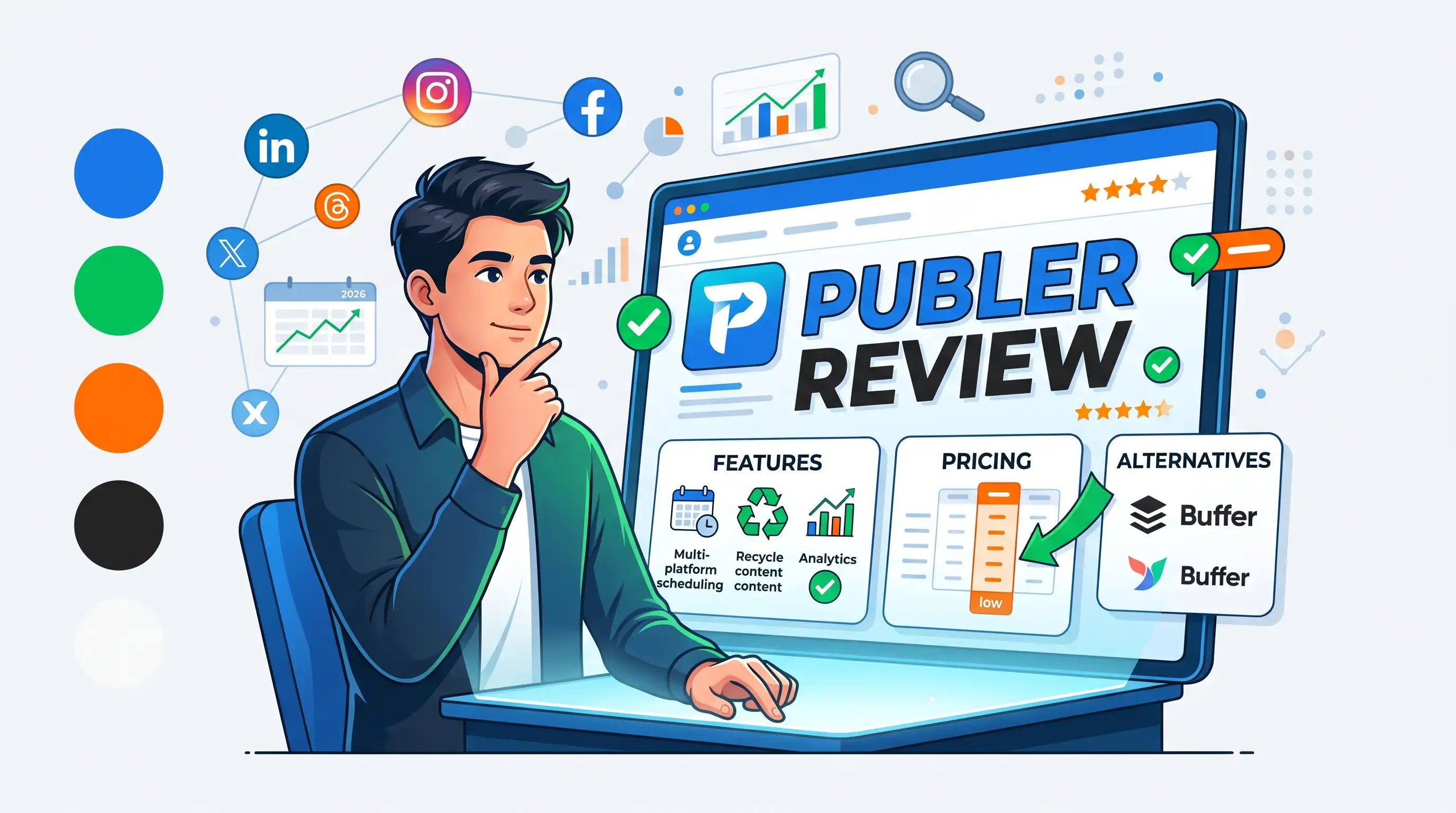
Publer promises Buffer-level social media scheduling at a fraction of the price. Here's an honest look at what it actually does well, where it cuts corners, and whether it's worth switching to.
Publer Review 2026: Features, Pricing & Alternatives
Publer has built its reputation on doing what Buffer and Hootsuite do, at a noticeably lower price. After digging into what it actually offers, here's an honest look at where that promise holds up — and where it doesn't.
What Publer Actually Does
Publer is a social media scheduling and management platform covering nine major networks, including Instagram, Facebook, LinkedIn, TikTok, YouTube, Pinterest, and Google My Business. Beyond basic scheduling, it handles bulk uploads, a drag-and-drop content calendar, AI-assisted caption writing, and post analytics from a single dashboard.
The Explore tool
One of Publer's more distinctive features is Explore — a built-in content curation tool that pulls in relevant articles and trending content from across the web, making it easier to keep a posting calendar full without constantly hunting for material yourself.
Link in Bio integration
Publer also ties its scheduler directly to a Link in Bio tool, so Instagram posts you schedule can automatically populate a clickable bio page — a small but genuinely useful touch for creators who rely on Instagram traffic.
Pricing Breakdown
| Plan | Price | Accounts | Key Limitation |
|---|---|---|---|
| Free | $0 | 3 (no Twitter/X) | 10 scheduled posts per account |
| Professional | ~$5–12/month | Customizable | No advanced analytics or AI prompts |
| Business | ~$10+/month | Customizable | Unlocks unlimited AI, analytics, reporting |
| Enterprise | Custom pricing | Custom | Advanced reporting, priority support |
Reported pricing varies noticeably across sources and billing options (monthly vs. annual, account count, team size), so treat these as a starting range and confirm current numbers directly on Publer's pricing page before subscribing.
A pricing quirk worth knowing
Publer's cost scales with how many social accounts and team members you add, rather than being a single flat fee per tier. That makes it genuinely affordable for a solo user with a few accounts, but costs can climb faster than expected for agencies managing larger client portfolios.
Pros and Cons
What works well
- Noticeably cheaper entry point than Buffer for comparable core scheduling features
- Explore tool makes content curation genuinely easier, not just a marketing bullet point
- Customizable pricing means you're not stuck paying for accounts or seats you don't need
- Supports a wide range of content types, including Reels, Shorts, and LinkedIn PDFs
Where it falls short
- Twitter/X scheduling isn't available on the free plan due to API costs
- Analytics and AI prompt features are locked behind the Business tier, not Professional
- Interface feels less polished than more established competitors like Buffer or Hootsuite
- Collaboration and approval workflows are lighter than what larger teams typically need
Publer vs. Buffer: The Real Difference
Publer generally undercuts Buffer on price for similar core scheduling functionality, and its customizable per-account pricing can work out cheaper for small, specific setups. Buffer tends to feel more polished and is often preferred by teams that want a slightly more refined interface and don't mind paying more for it. For a solo creator or small business watching costs closely, Publer is usually the better value; for teams prioritizing interface polish and established workflows, Buffer remains a strong option.
Who Publer Is Actually For
Publer is a strong fit for small business owners and solo creators managing a handful of social accounts on a tight budget, and for agencies that want pricing flexibility rather than fixed, one-size-fits-all tiers.
It's a weaker fit for larger teams needing robust approval workflows and deep collaboration features, or anyone whose strategy depends heavily on Twitter/X scheduling without upgrading to a paid plan.
Frequently Asked Questions
Is Publer actually free to use?
Yes, Publer has a genuine free plan covering 3 social accounts (excluding Twitter/X) with up to 10 scheduled posts per account. No credit card is required to start.
Is Publer cheaper than Buffer?
Generally yes, particularly for smaller setups, since Publer's customizable per-account pricing tends to undercut Buffer's fixed tiers for comparable features.
Does Publer support Instagram Reels and TikTok?
Yes, Publer supports scheduling for Reels, TikTok videos, YouTube Shorts, and LinkedIn PDFs alongside standard image and text posts.
Can I manage multiple clients with Publer?
Yes, through customizable workspaces and account add-ons, though larger agencies may find the collaboration and approval features lighter than dedicated enterprise tools.
⭐ User Reviews
Be the first to review!