VEED.io Review 2026: Pricing, Free Plan Limits and Is It Worth It?
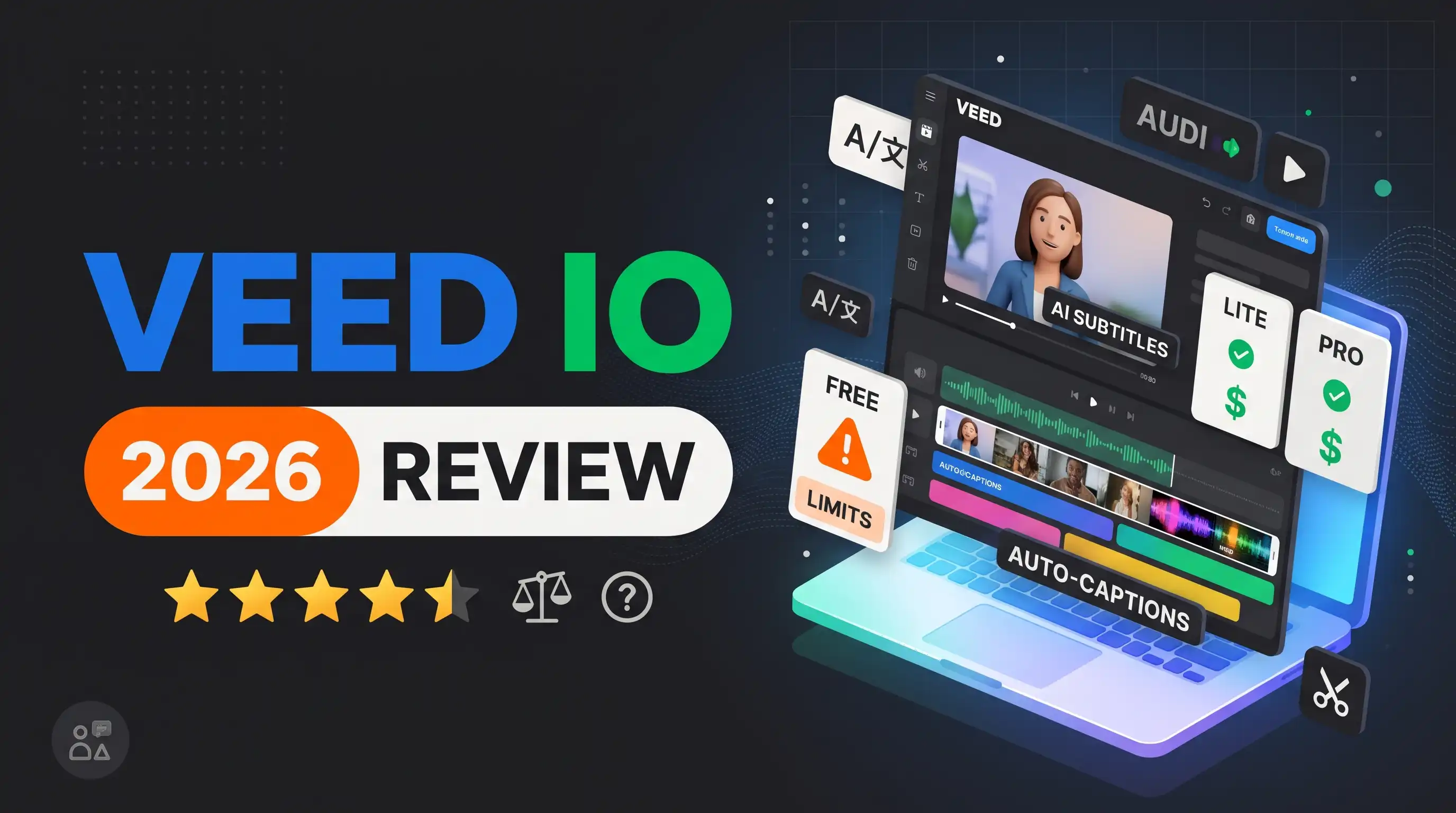
VEED.io has a free plan with a watermark, 720p exports and a 10-minute cap. Paid plans start at about $12 a month on annual billing for Lite (no watermark, 1080p, 25 minutes) and about $24 for Pro (4K, longer videos, AI credits), priced per seat. It is worth it for fast subtitles, translation and browser editing, but heavy editors should compare Descript or CapCut.
A 2026 review of VEED.io: what the free plan really limits, what Lite and Pro cost per seat, how its AI subtitles, translation and avatars work, who should skip it, and the alternatives worth comparing.
VEED.io Review 2026: Pricing, Free Plan Limits and Is It Worth It?
VEED.io is a browser-based video editor with AI subtitles, translation, avatars and background removal. Its free plan exports with a watermark at 720p and caps videos at 10 minutes, and paid plans start at about $12 a month on annual billing, per seat. It is a strong pick for creators and marketers who want fast captions and simple edits without installing software, and a weaker one for long, complex projects. This review covers the plans, the limits that matter and the alternatives, as of November 2026.
VEED.io Plans at a Glance
| Plan | Annual billing (per month) | Export | Max video length | Notable limits or extras |
|---|---|---|---|---|
| Free | $0 | 720p, watermarked | 10 minutes | Limited subtitle allowance |
| Lite | About $12 | 1080p, no watermark | 25 minutes | The cheapest way to remove the watermark |
| Pro | About $24 | 4K | Up to 120 minutes | AI credits, translation and the full AI toolset |
| Business and Enterprise | Custom or higher per seat | 4K | Longer | Team seats, SSO, custom avatars |
VEED's own pricing page does not show a readable plan table to automated tools, so these figures come from recent pricing guides and our tool profile. They agree on the annual prices, about $12 for Lite and about $24 for Pro, but disagree on monthly billing: one guide lists $19 for Lite and $49 for Pro, while others range from $9 to $19 and from $35 to $55. Business is quoted anywhere from about $40 to $59 per seat, or as custom. Confirm exact prices on veed.io before you pay.
Is VEED.io Free?
Yes, VEED.io has a free plan, but it is built for trying the editor, not for publishing finished work. Exports carry a VEED watermark, are limited to 720p and are capped at 10 minutes, and the subtitle allowance is limited. Paid plans remove the watermark from Lite upward.
VEED's pricing page says the free trial is for enterprise customers only, with a minimum of 3 users, so individuals should expect to use the free plan and then upgrade rather than a separate trial. You can cancel anytime, and access continues until the end of the billing cycle.
What Each VEED Plan Gets You
Free lets you edit in the browser, generate a limited amount of subtitles and export a short 720p video with a watermark. It is enough to learn the interface and test the auto-subtitle accuracy on your own footage.
Lite (about $12) removes the watermark and raises the export to 1080p and 25 minutes. For a creator who posts short social videos with captions, this is usually the plan that makes sense.
Pro (about $24) adds 4K export, videos up to about 120 minutes, translation and the larger AI toolset. One guide lists 30,000 AI credits a year, up to 4 hours of avatar video and up to 144 hours of text-to-speech, but that guide's data is dated June 2026, so treat the numbers as a guide, not a promise.
Business and Enterprise add team seats, SSO, custom avatars and an SLA, with custom pricing through sales.
VEED Pricing Details That Catch People Out
- It is priced per seat. The plan cost is multiplied by the number of editors, and you are charged when you invite users.
- AI credits do not roll over. They are included monthly or yearly depending on your billing, and unused credits expire. Upgrading increases them.
- Translation is metered in minutes. Translation minutes count against your plan allowance and unused minutes do not roll over.
- Subtitles are generous but not endless. Paid plans generate unlimited subtitles, subject to a fair-use limit of 50 hours a month, and advanced subtitle styles are limited to higher tiers.
- Currency can change. Prices show in your local currency where available, otherwise in US dollars.
Which VEED Plan Should You Choose?
| If you are... | Pick | Why |
|---|---|---|
| Testing captions on your own footage | Free | You see the editor and the subtitle accuracy at no cost |
| Posting short captioned social videos every week | Lite (about $12) | No watermark, 1080p and 25 minutes per video |
| Editing a 60-minute webinar or course lesson | Pro (about $24) | Lite stops at 25 minutes, Pro allows up to about 120 |
| Publishing the same video in several languages | Pro | Translation and the fuller AI toolset sit on this tier |
| A team of five editors | About $60 a month on Lite or $120 on Pro | Pricing is per seat, so multiply the annual price by five |
The seat maths matters more than the sticker price. Five editors on Pro cost about $120 a month on annual billing, or roughly $1,440 a year, before any AI-credit top-ups, so a team should compare VEED with a plan that includes several seats before it commits.
What VEED.io Does Well
Subtitles and captions. Auto-subtitles are VEED's best-known feature, and reviewers report good accuracy across many languages. You edit the text in the same window as the video, which is much faster than using a separate captioning tool.
Translation and dubbing. You can translate captions and dub videos into other languages, which suits creators and marketers who publish the same video in several markets.
AI avatars and voiceover. VEED includes AI avatars and text-to-speech, so you can produce a talking-head explainer without filming. Pro lists a limited number of avatar hours a year, so check the allowance before you build a series.
Everything in one browser tab. Background removal, brand kit, templates and screen recording sit alongside the editor, so there is nothing to install. The interface is clean and beginner-friendly.
How to Use VEED.io in Five Steps
- Sign up at veed.io and start a new project. The free plan lets you try the editor.
- Upload your footage or start from a template, then edit on the browser-based timeline.
- Add auto-subtitles first, then an AI avatar or voiceover if the project needs one.
- Apply background removal, translation or dubbing where the project requires it.
- Export the video, upgrading to a paid plan if you need the watermark gone or a longer export.
Two habits save time. Proofread the auto-subtitles for names and brand terms before you export, because automatic captions are good but not perfect on unusual words. And set up your brand kit once, with colours, fonts and logo, so every later video starts consistent instead of being restyled by hand.
Where VEED.io Falls Short
The free plan's watermark and 10-minute cap are restrictive, and anything beyond a quick edit needs a paid plan. Rendering can be slow for longer, complex projects, which is common for browser-based editors. The most advanced features sit on the pricier Pro tier, and because pricing is per seat, a team can find the cost climbing quickly. It is also less specialised than a dedicated tool: if you only need long-to-short clipping or only need avatar video, a narrower product may serve you better.
VEED.io vs the Alternatives
| Tool | Free plan | Paid from | Pick it if... |
|---|---|---|---|
| VEED.io | Watermark, 720p, 10 minutes | About $12 a month (annual) | You want captions, translation and edits in the browser |
| Descript | 1 hour of media a month, watermark | $24 a month ($16 annual) | You edit podcasts or talking-head video by editing the transcript |
| CapCut | Free core editing | Paid Pro subscription | You mainly edit short mobile-first videos on a budget |
| InVideo AI | No free plan listed | $9 a month | You want AI to generate whole videos from a prompt |
| Pictory | Trial only | Paid plans | You turn blog posts or scripts into videos |
For text-based editing, Descript is the closest rival, and for free mobile editing CapCut is hard to beat on price. See more options in our guide to the best AI video generators.
VEED.io vs Descript vs CapCut: How to Choose
Pick Descript when your video is mostly speech. Descript lets you cut and rearrange a video by editing its transcript, and it adds Studio Sound for audio cleanup, automatic filler-word removal and built-in screen recording. That makes it the better fit for podcasts, interviews and talking-head videos. Its Hobbyist plan is $24 a month, or $16 on annual billing, with 10 media hours and 1080p export.
Pick CapCut when you make short, mobile-first videos on a budget. Its free tier includes real AI tools such as Smart Cut and automatic captions, plus a huge template and effects library, and it runs on mobile, desktop and web. The trade-offs are that the strongest AI features sit behind CapCut Pro and that the product leans toward short-form content.
Pick VEED.io when captions, translation and quick edits are the job. It sits between the two: more of an all-in-one browser editor than Descript, and more focused on subtitles, translation and AI avatars than CapCut. A simple rule of thumb: edit by transcript with Descript, edit short mobile videos with CapCut, and caption and localise in the browser with VEED.
Is VEED.io Safe and Legit?
VEED.io is a commercial video editor with paid plans, per-seat pricing and enterprise options on its own pricing page, so it is a real product, not a scam. As with any cloud editor, your footage is uploaded to its servers, so read the privacy policy and think twice before uploading confidential or client material. Also make sure you are on veed.io itself, because look-alike sites advertise a free VEED download that is not the official product.
Who Should Use VEED.io?
VEED.io suits social media managers, educators, small businesses and creators who need captioned videos quickly and prefer a browser to a desktop app. It is a poor fit for filmmakers who want frame-level control, teams that need to keep seat costs low, or anyone producing hour-long videos. Start on the free plan to test your own footage, and move to Lite if the watermark is the only thing stopping you.
Final Verdict: Is VEED.io Worth It?
VEED.io is worth it if your work is fast, captioned and translated social or marketing video that you would rather edit in a browser than in desktop software. Start on the free plan to test your own footage, move to Lite when the watermark is the only blocker, and choose Pro only if you need long videos, translation or 4K. Before you pay for several seats, compare Descript for transcript editing and CapCut for free short-form editing.
Read the full tool breakdown on our VEED.io profile, or browse every option in the AI tools directory.
Frequently Asked Questions
Is VEED.io free?
Yes, there is a free plan, but exports carry a VEED watermark, are limited to 720p and are capped at 10 minutes. Paid plans remove the watermark from Lite upward.
How much does VEED.io cost?
Recent pricing guides list Lite at about $12 a month and Pro at about $24 on annual billing, priced per seat. Monthly billing costs more and the figures vary by source, so confirm on veed.io.
Does VEED.io leave a watermark?
On the free plan, yes. Lite and above remove the watermark and export in 1080p, with Pro adding 4K.
Does VEED.io have a free trial?
VEED's pricing page says the free trial is for enterprise customers, with a minimum of 3 users. Individuals can use the free plan instead.
How long can a video be on VEED.io?
The free plan caps videos at 10 minutes, Lite at 25 minutes, and Pro allows up to about 120 minutes, according to recent pricing guides.
Is VEED.io priced per user?
Yes. VEED prices per seat, so the plan cost is multiplied by the number of editors, and you are charged when you invite users.
Do VEED.io AI credits roll over?
No. AI credits are included monthly or yearly, and unused credits do not roll over. Upgrading your plan increases the allowance.
User Reviews
Be the first to review!